
In Guided Home, apartment addresses work as a two-part structure:
Apartment building address → Unit number & name
To edit each part:
1. Apartment building address
• Open the apartment unit record
• Click the Apartment Building name link highlighted in the example below (this takes you to the building record)
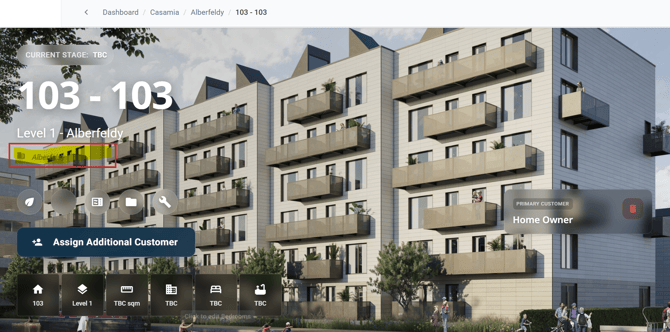
• Now you are viewing the Apartment Building screen - select the Address tab
• Make your address changes for the building itself and save
2. Unit number and name
• Open the plot record
• Click the Settings (cog) icon
• Update the Unit number details as needed - this sits before the Building address and is used to construct the full address with Apartment Unit Number - Apartment Building Address
You will see the updates details on screen.