
This procedures outlines the steps to push updates to residents or homeowners at a specific location using the Home User Guide tab.
How to Notify All Residents at a Site ❄️ - Watch Video
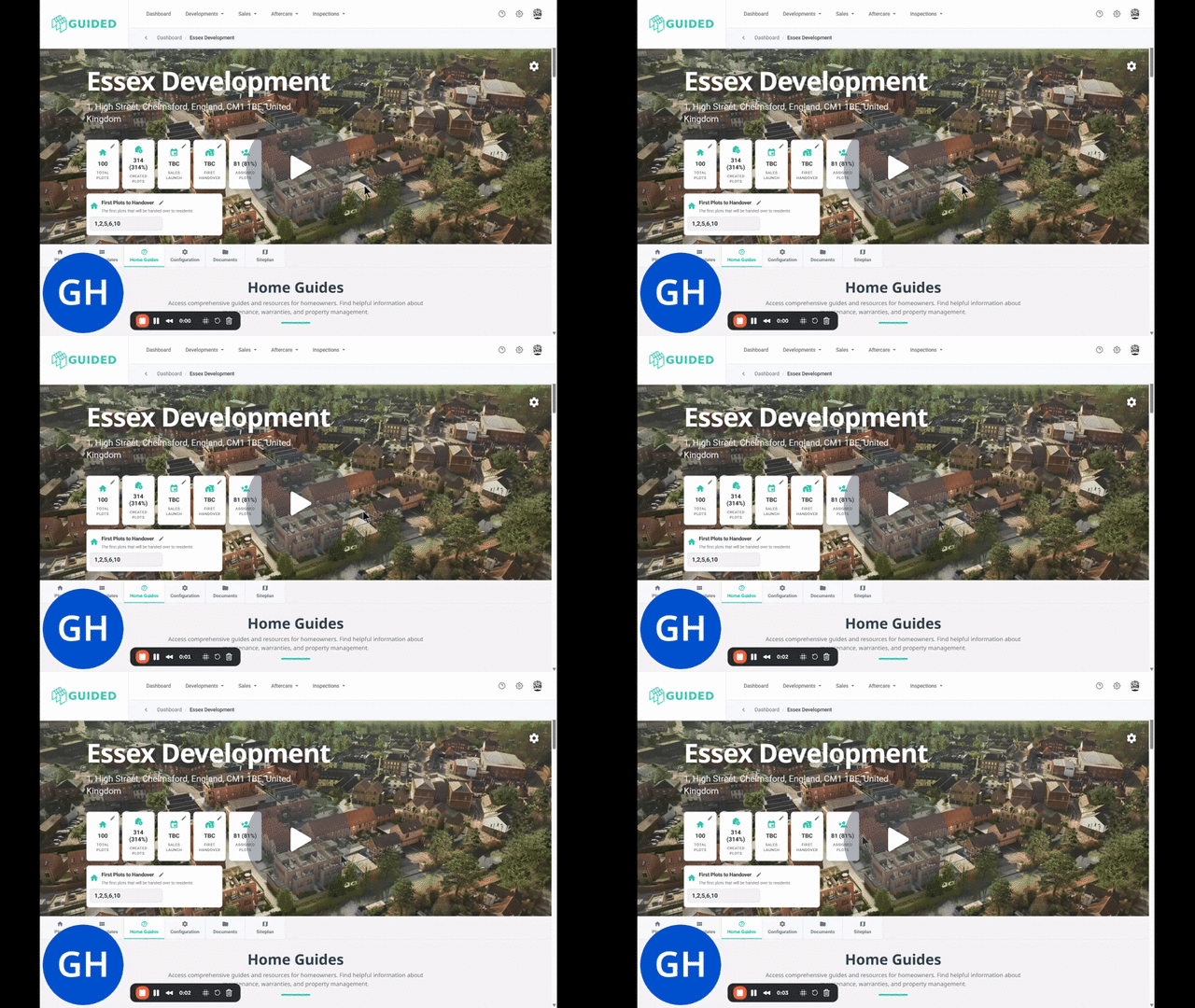
You can also push announcements to individual plots via the Aftercare menu > User Guides
Key Steps
1. Navigate to the Development 0:00
-
Access the platform where updates are managed.
-
Locate the specific development where you want to send the update.
2. Access the Home Guide Tab 0:00
-
Click on the 'Home Guide' tab once you are in the development.
3. Select the Update Card 0:00
-
Click on any of the cards available in the Home Guide to trigger an update.
4. Choose Announcements and Reminders 0:14
-
Specifically, click into the 'Announcements and Reminders' card.
5. Enable the Category 0:14
-
Turn on the category related to the update you want to send (e.g., 'Preparing for Winter').
6. Edit the Message 0:14
-
Click on 'Edit' to add your message for the residents.
7. Notify Residents 0:14
-
Ensure to tick the option 'Notify Residents' about this update.
8. Save the Update 0:32
-
Click 'Save' to finalize the update.
9. Confirmation of Push Alert 0:32
-
Upon saving, all residents at the location will receive a push alert with the update and a link to the message.
Cautionary Notes
-
Ensure that the message is clear and concise to avoid confusion among residents.
-
Double-check the category you are enabling to ensure it is relevant to the update being sent.
Tips for Efficiency
-
Prepare your message in advance to streamline the editing process.
-
Familiarize yourself with the categories available in the Announcements and Reminders section to save time.