
A step-by-step guide for navigating the dashboard and managing development information effectively.
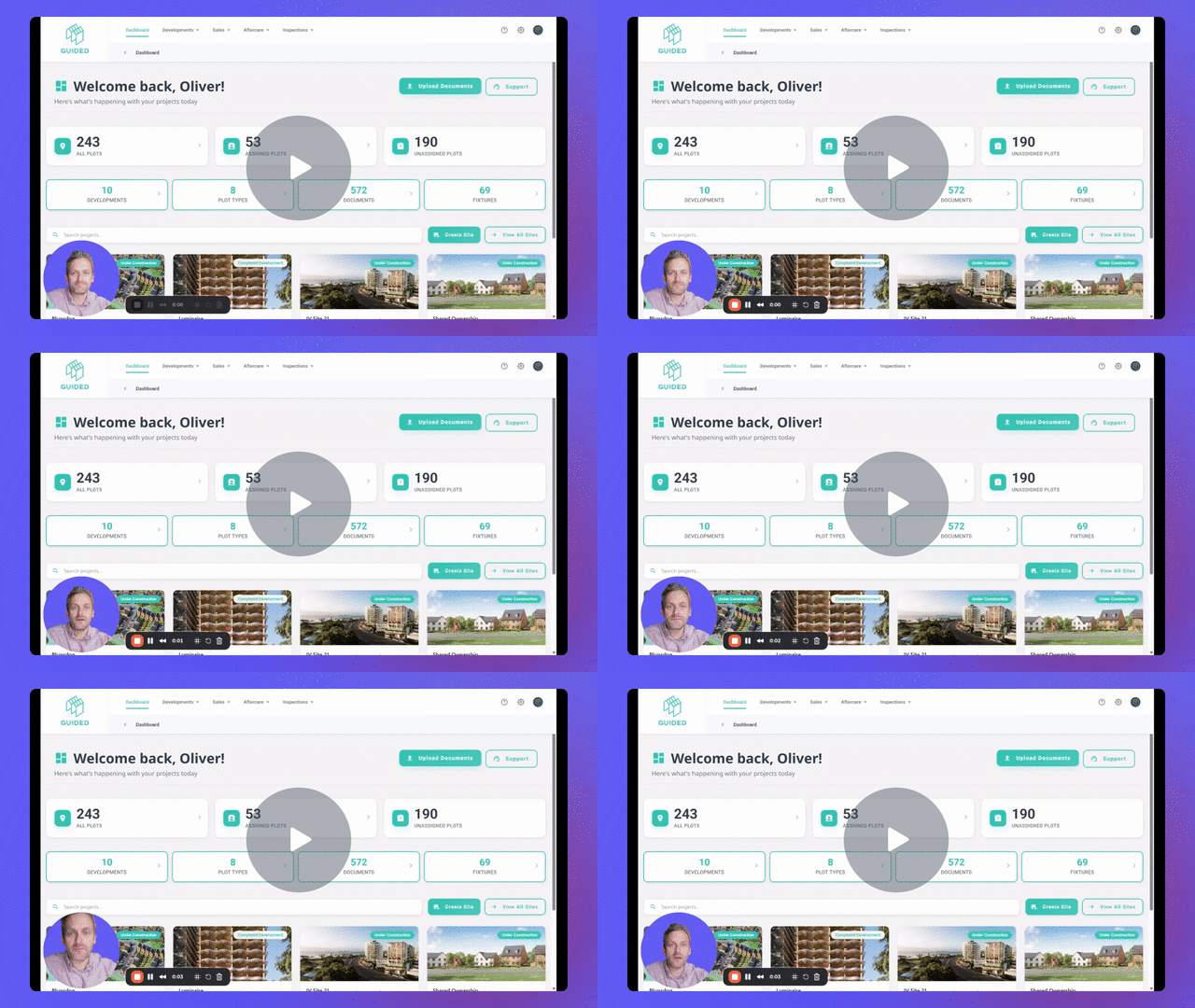
Overview of the Guided Home Dashboard and Navigation Structure - Watch Video
Key Steps
1. Overview of the Dashboard 0:00
-
Upon landing on the dashboard, you will see the main menus at the top:
-
Development Information
-
Sales and Customer Tables
-
Aftercare Content Libraries
-
Inspections and Defect Management (if applicable)
-
Cautionary Notes
-
Ensure you have the necessary permissions to access all sections of the dashboard.
-
Double-check the information before making any updates to avoid errors.
Tips for Efficiency
-
Familiarise yourself with the layout of the dashboard to navigate quickly.
-
Use the search function to find specific sites or information without scrolling through all options.