
Part 1: Procore Marketplace - Install Guided Home App
You are required to authorise the Guided Home app to connect to your Procore environment. This is done via the Procore App Marketplace, which automatically provisions a Developer Managed Service Account (DMSA) for secure integration.
These steps must be completed by your Company Admin in Procore to install the Guided Home app.
Pre-requisites
-
Admin level permissions on the Company level Admin tool in Procore.
-
Access to the Procore App Marketplace.
Steps
-
Login to Procore > Company level Admin tool.
-
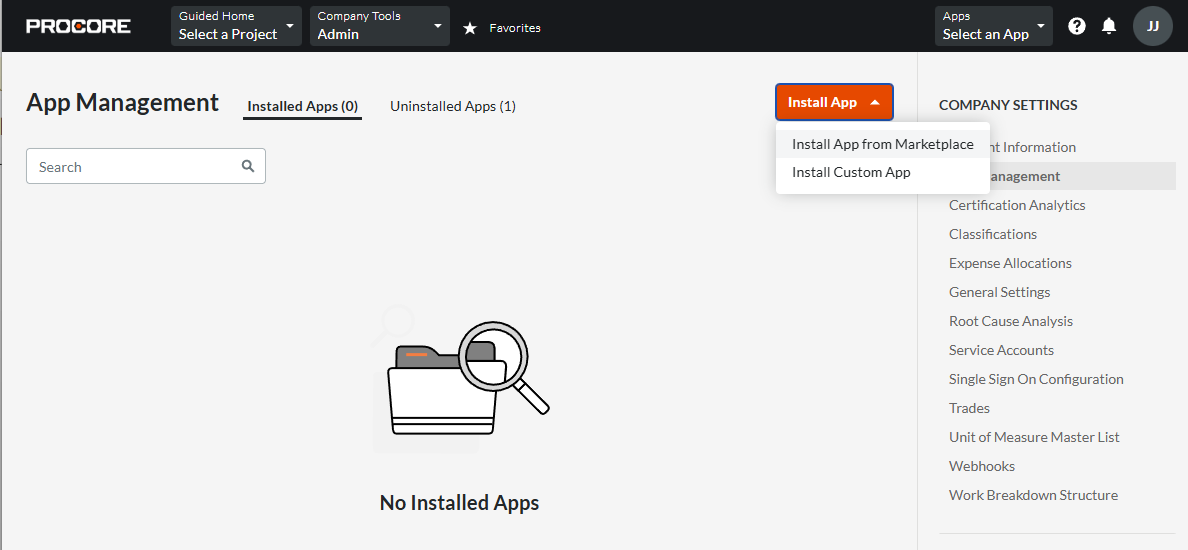
Under Company Settings, click App Management.
-
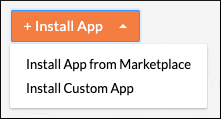
Click Install App.
-
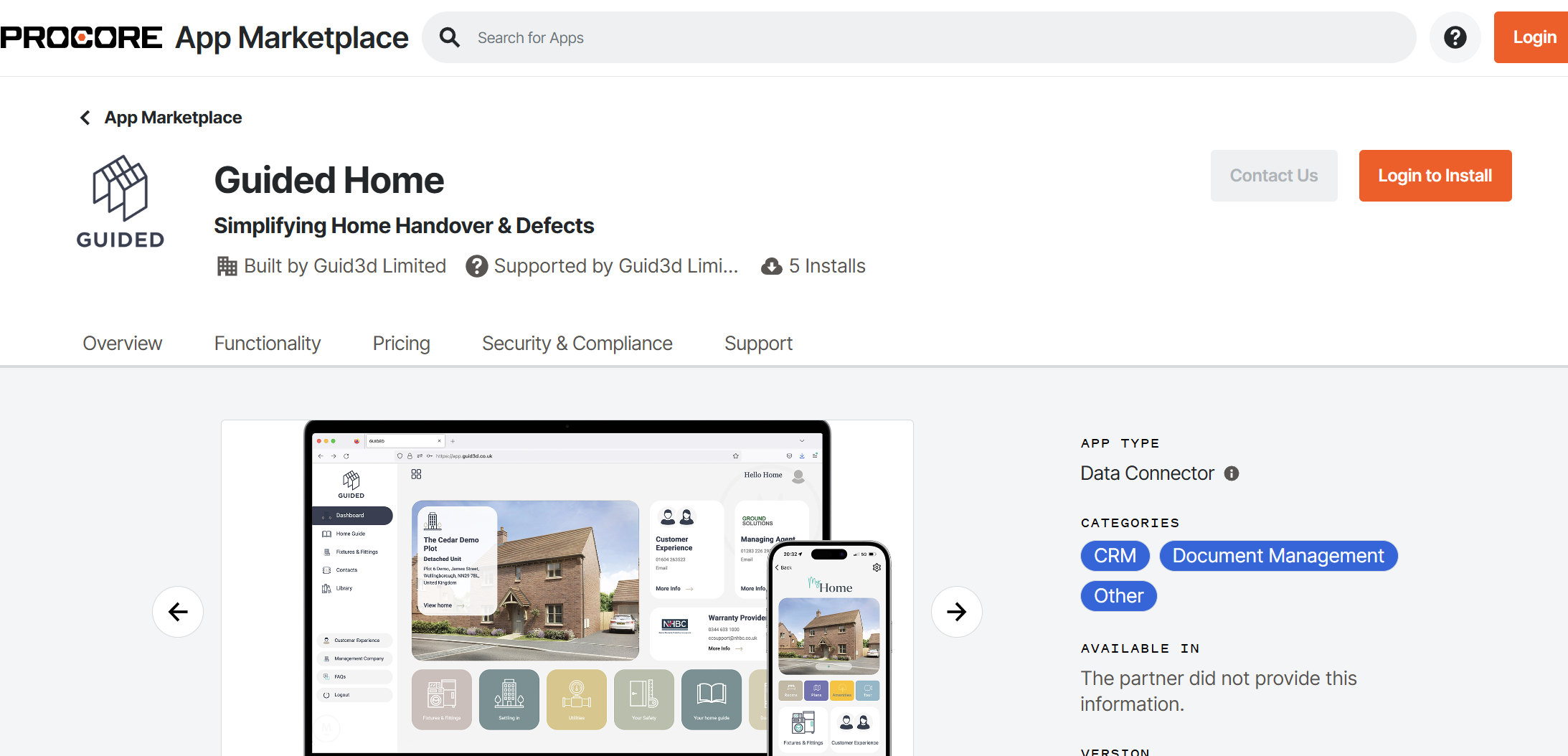
In the Procore Marketplace window, search for Guided Home.
-
Select Guided Home and click Install.
-
Review the requested permissions/scopes and click Approve.
-
Confirm the install. Procore will:
-
Create a DMSA user for Guided Home in your Company Directory.
-
Generate the secure OAuth2 credentials used for integration.
-
-
Click Create to finalise configuration.