
Reusing FAQs for Aftercare Management 📋 - Watch Video
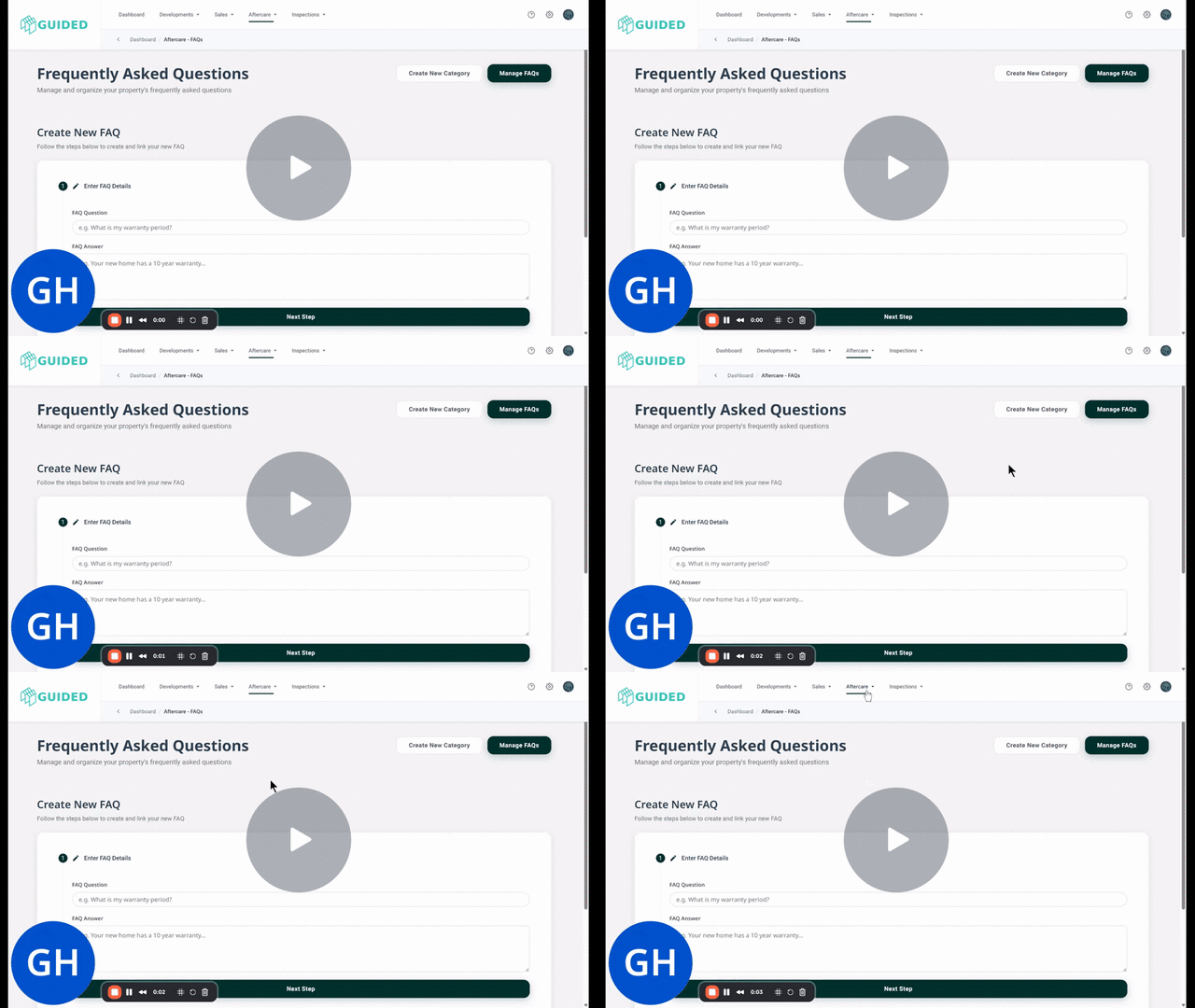
Key Steps
1. Navigate to FAQs 0:00
-
Open the "Aftercare" menu.
-
Select "FAQs"
2. Manage FAQs 0:16
-
Click on 'Manage FAQs' button
-
Follow the instructions to select the building plot or site to view the current FAQs.
3. Edit FAQs 0:30
-
Select the site to edit the FAQs.
-
Options available:
-
Edit
-
Assign
-
Disconnect
-
Delete FAQs for the selected site.
-
4. Assign FAQs to Other Sites 0:44
-
To reuse an FAQ for other sites, click the 'Assign' button under the FAQ.
-
Select the sites or building plots to tag or choose 'Select All'.
-
Click 'Save' to apply the FAQ to the selected buildings.
Cautionary Notes
-
Ensure that the FAQs you are assigning are relevant to the new sites to avoid confusion.
-
Double-check the selected building plots before saving changes to prevent errors.
Tips for Efficiency
-
Familiarise yourself with the FAQs available to streamline the assignment process.
-
Regularly review and update FAQs to pre-empt and respond to emerging customer queries